
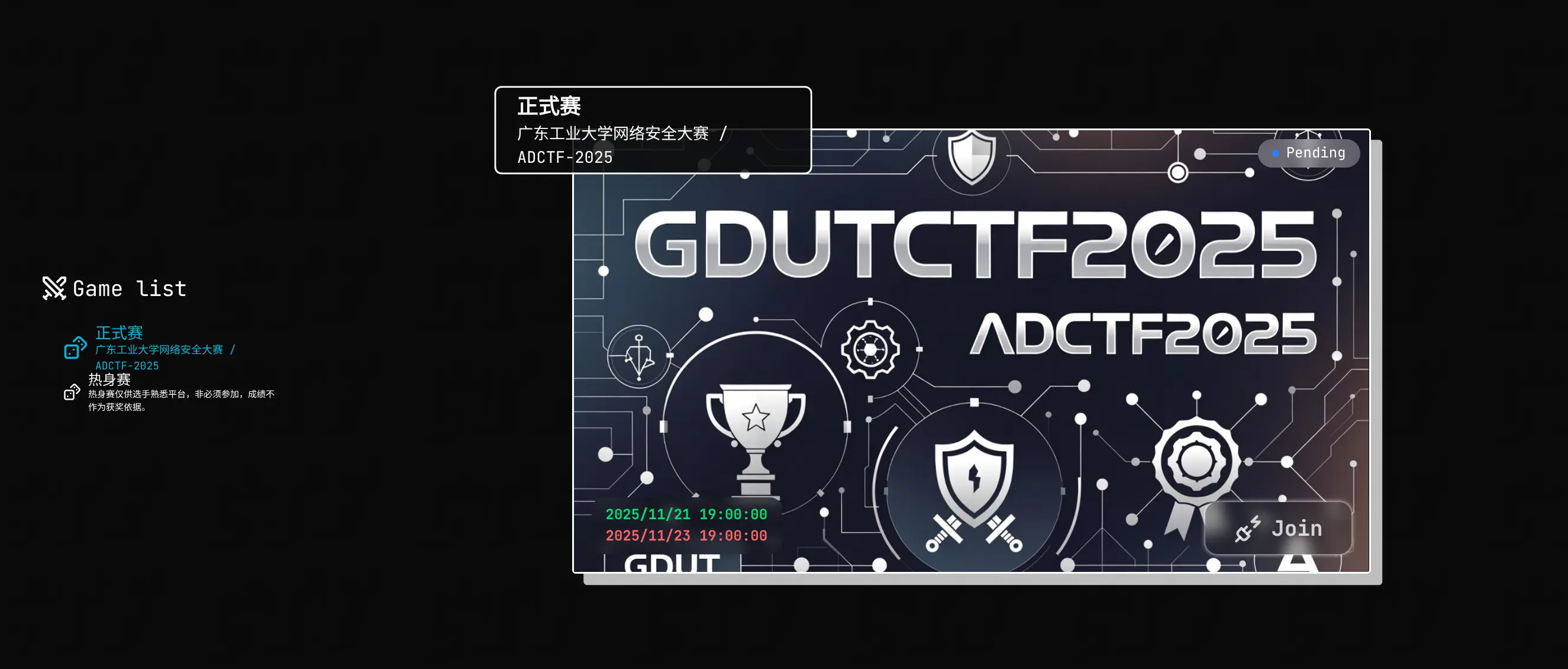
引入
本来说 A&D 工作室的招新工作是原定于下学期进行的,我也原定于在下学期招新之前完成新平台的开发的,但是由于老师那边的要求,被迫改成了上学期进行(此处鉴于隐私问题不过多阐述)。
平台方面有两种选择,一是用我先前开发的平台,二是用别的平台。鉴于这次招新赛和校赛合并了参与人数比较多,而我开发的平台并发能力不太行,也只能单服务器运行,所以选用了别人开发的平台,本次则选用了支持 Kubernetes 的 A1CTF 平台。
搭建过程
由于这次是我第一次部署 A1CTF 平台,也是我第一次部署 Kubernetes 集群,搭建和维护过程中也出了好多差错(很对不起参加本次比赛的米娜桑 xwx)。
服务器选用
本次服务器购入了三台机子,一台 Aliyun 的 Hong Kong,一台 Aliyun 的 Guangzhou,一台 Tencent Cloud 的 Guangzhou,三台服务器均为 2c4g 配置。其中 Aliyun 的 Hong Kong 作为 Server,用于运行 Kubernetes Server、A1CTF 平台、OCI Registry(Kubernetes 所需要使用的私有镜像库,此处使用的 Docker 的 docker/registry 镜像),其余两台用于作为 Kubernetes Agent 运行选手的容器。在比赛过程中还加置了一台 Aliyun 的按用量计费服务器(后面将会详细讲述原因)。
但是购买完之后在调试过程中发现现在的国内云服务器的 HTTP 拦截规则不太一样了,以前是只会拦截 80 和 443 的,但现在 只要是 HTTP 流量都会拦截,下次再也不买境内的机子了(x)。
然后后续调试过程中还发现 Aliyun 的 Hong Kong 机子虽然标称有 200Mbps 的峰值,但是测试发现有一段时间限制在了 20Mbps,但似乎后续正式投入使用的时候好像恢复了,不太清楚原因。另外 Tencent Cloud 和 Aliyun 那边的互联也比较神奇,在前面 20Mbps 限制的时候,Tencent Cloud 的 Guangzhou 到 Aliyun 的 Hong Kong 会只有 3Mbps 左右,下次就应该买同一个提供商的同区域机子了(xwx)。
Kubernetes 搭建
此处 Kubernetes 使用的是非官方的兼容替代品 k3s。
起初我是使用了 K3s 的 Experimental 实验性功能 Rootless(Server 和 Agent 均使用了)和 Agentless(仅在 Server 端)。
然后在 Agent 连接 Server 的时候发现 Agent 连接不上 Server,看日志发现他会尝试去连接 Server 的网卡获取到的内网 IP(Aliyun 和 Tencent Cloud 都是对服务器分配一个内网 IP 然后通过 NAT 转发的,应该是为了通过他们自己的 Firewall 和审查系统),后面查了一下才知道是需要在 Node(包括 Server 和 Agent)上配置 node-external-ip。
后来在调试的时候发现在 Agent 上使用 Rootless 会存在 CNI 工作不正常的问题导致容器网络不可用,于是 Agent 改用了 Rootful 方案。
于是在比赛前选用了 K3s Server 端 Rootless + Agentless 方案,K3s Agent 端采用 Rootful 方案。
后续在比赛前上题测试的时候发现 DNS 不可用,经过诊断网络无法跨节点访问,而 Kubernetes 的 DNS 是统一设置为运行在一个节点上的 CoreDNS 的,所以导致不是在跟 CoreDNS 一个节点上的容器无法正常使用 DNS 服务。后面经过查找资料才发现需要启用 flannel-external-ip 去配置 Flannel 使用 External IP。
但到了后面在正式使用的时候,发现 K3s Server 在调度时会一直往同一个 Agent 进行调度,由于调试之时没有进行过高负载测试,所以也没发现这个问题。
因为当时比赛刚开始没多久,Agent 就因为高负载而无法工作了,当时也比较紧急,在 GamerNoTitle 的帮助之下加购了一台 4c8g 的按用量计费服务器临时解决了一下问题。
在后续调试中发现是疑似 Metric API 不可用导致的 Server 调度失效,只有对 K3s Server 使用 Rootful + Agent 方案才能解决,并且需要 Metric Server 运行在 Server 端(使用 Rootless 开 Agent 也不行,怀疑是前面所诊断出的 Rootless 下 CNI 工作不正常导致的问题)。这个调试的过程复杂而漫长,当时我都直接晚饭都拖到了凌晨才吃 xwx。
此处将不过多讲述 K3s 的安装过程,官网均有讲述。
配置文件
Server 端 K3s 配置文件 (/etc/rancher/k3s/config.yaml):
1 | write-kubeconfig-mode: "0644" # 由于 A1CTF 平台运行在不同的用户上,所以需要让其他用户可访问 Kubeconfig |
Agent 端 K3s 配置文件 (/etc/rancher/k3s/config.yaml):
1 | node-external-ip: ... # 将此处替换为服务器的公网 IP |
由于需要使用私有 OCI Registry 以提供题目容器镜像,此处将给出 Agent 端 Registry 配置文件 (/etc/rancher/k3s/registries.yaml):
1 | mirrors: |
平台搭建
首先 A1CTF 平台和 OCI Registry 都使用了 Podman 进行搭建,使用 Podman 的 Rootless 和 Daemonless 特性以加强安全性,虽然说 Podman 还是一个比较实验性的工具,但是在调试和正式运行的过程中并没有任何的问题出现。
首先 A1CTF 平台和 OCI Registry 均创建了一个新用户,用户名分别为 a1ctf 和 registry,用户 Home 目录分别为 /var/lib/a1ctf 和 /var/lib/registry:
1 | sudo useradd a1ctf -d /var/lib/a1ctf -m -s $(which bash) |
然后启用 Linger 以确保用户进程可以在会话结束后运行:
1 | sudo loginctl enable-linger a1ctf |
相关服务的配置文件均放置到相应用户的 Home 目录,并对敏感文件配置 rw------- (600) 或 r-------- (400) 权限。
另外 Podman 的 Pod 通过 Systemd 的 User Unit 进行管理,主要用于开机自启动,另外就是让 Systemd 来帮助统一管理服务的失败自动重启。
A1CTF 平台搭建
注意以下操作均在
a1ctf用户下操作。
首先将 A1CTF 平台 Pod 文件写入到 /var/lib/a1ctf/a1ctf-pod.yaml:
1 | apiVersion: v1 |
随后下载 A1CTF 提供的配置文件示例,根据注释进行配置:
1 | wget -O /var/lib/a1ctf/config.yaml https://github.com/carbofish/A1CTF/raw/refs/heads/dev/config.example.yaml |
注意需要配置一下配置文件的 system.trusted-proxies,删除原有的 0.0.0.0/0 项,并添加 10.0.0.0/8 项以确保宿主的 HTTP 反代受信任(Podman 与宿主通信的网段是 10.0.0.0/8),并添加上其他受信任的反代服务器(如果你使用了 Cloudflare 可以看到 Cloudflare 官方给出的 IP Range 进行配置)。
将 /etc/rancher/k3s/k3s.yaml 复制到 /var/lib/a1ctf 下的 kubeconfig.yaml 文件,并将文件中 clusters[0].cluster.server 的域名修改成 host.containers.internal 以确保 Pod 内部可访问到 Kubernetes API。
随后通过以下指令启动平台并生成相应的 Systemd Units:
1 | podman kube play /var/lib/a1ctf/a1ctf-pod.yaml |
OCI Registry 搭建
注意以下操作均在
registry用户下操作。
首先将 OCI Registry 的 Pod 文件写入到 /var/lib/registry/:
1 | apiVersion: v1 |
为了确保只有具有可信任凭证方可访问,上面的 Pod 配置已经对 Registry 配置了相关的认证需求。此处需要在 /var/lib/registry 下创建一个 auth 文件夹以存放相关 HTTP 认证凭证,使用 apache2-utils 提供的 htpasswd 生成凭证。
如果你使用的是 Debian 系统,可以通过以下指令安装 apache2-utils:
1 | sudo apt install apache2-utils |
使用以下指令生成凭证:
1 | htpasswd -cB auth/passwd <username> # 首次运行调用这个 |
具体启动方法和 Systemd 配置生成可直接参考上面 A1CTF 平台搭建 一节。
HTTP 服务转发
这边 HTTP 服务转发采用了 Caddy 服务器方案。
如果你服务器需要通过 CDN 进行转发,可以在 Caddyfile 的开头加入以下内容以确保 X-Forwarded-For 的正确转发:
1 | { |
结语
整个 ADCTF-2025 进行过程可谓是坎坷,和 ACM 的初赛时间存在了重叠、平台的稳定性由于前期的准备不足、我出的题目出了很多差错,等等各种问题导致选手体验不好,首先我在这里对各位选手我造成的各种问题表示抱歉 Orz,也感谢各位选手参与 ADCTF-2025 以及后续的 Writeup 收集工作。
另外就是有个教训了,不要在生产环境使用 Experimental 功能。